ERPNext v16: What's New in Accounting, Stock and Manufacturing?
ERPNext v16 brings important updates to accounting, stock management and manufacturing workflows. From improved financial reporting and stock reservation to production workflow enhancements, explore w
ERPNext v16: What's New in Accounting, Stock and Manufacturing?
An ERP system plays an important role in how a business manages financial transactions, inventory and production. With every new release, businesses want to know more than just what has changed. They want to understand how those changes affect their everyday operations.
ERPNext v16 introduces updates across accounting, stock management, manufacturing workflows and the overall user experience. Some improvements add new functionality, while others refine existing processes to make business operations easier to manage.
In this article, we explore selected ERPNext v16 updates, explain their practical relevance and highlight what businesses should consider before upgrading.
Three Key Areas to Explore in ERPNext v16
ERPNext connects different business functions through a single system. The updates covered in this article are particularly relevant to three areas:
- Accounting: Financial reporting, accounting dimensions and transaction handling.
- Stock Management: Product Bundle reservations, inventory tracking and stock reporting.
- Manufacturing: Staged production workflows and material planning.
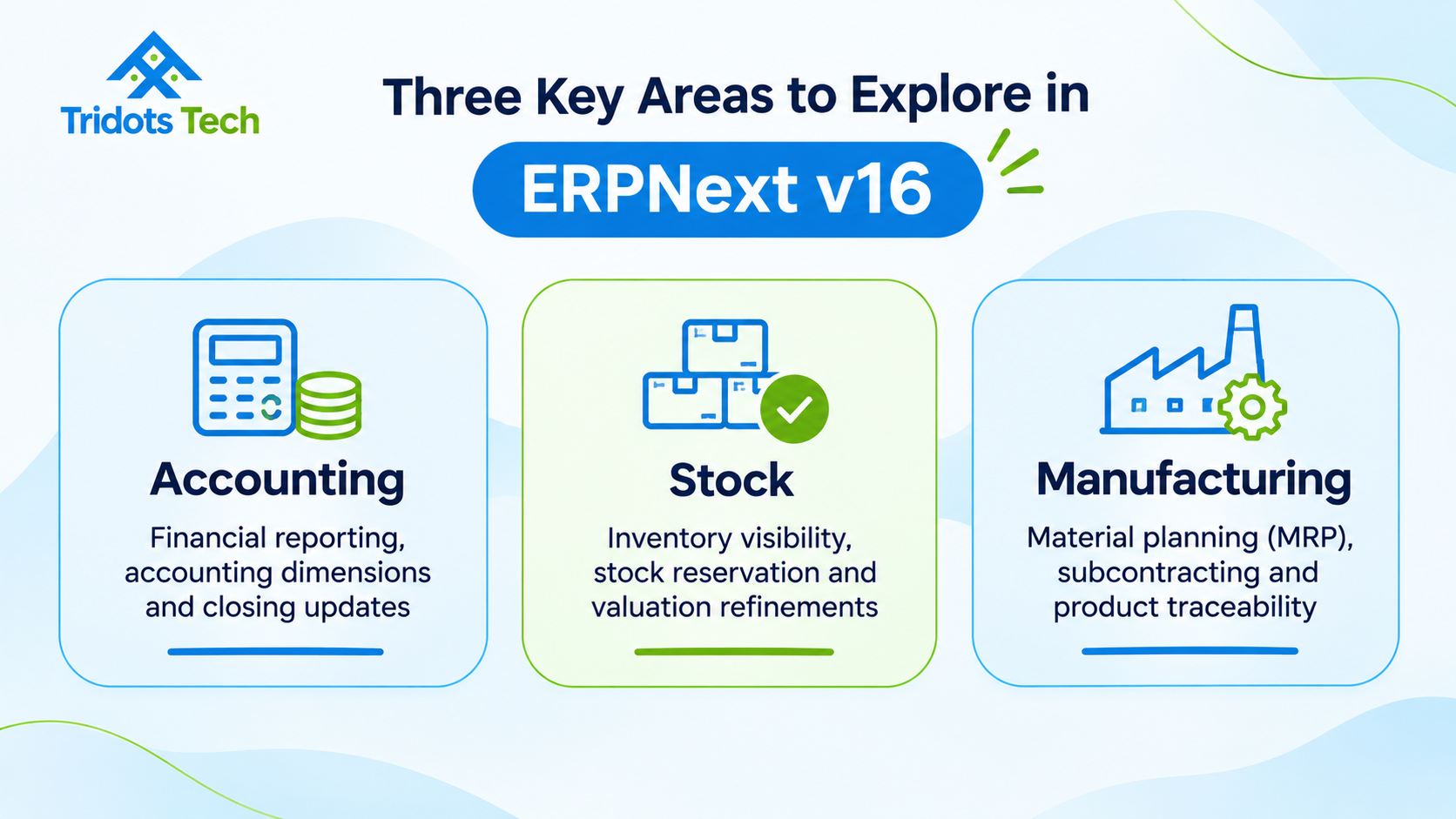
An overview of Accounting, Stock and Manufacturing areas explored in ERPNext v16.
1. ERPNext v16 Accounting Updates
Accurate financial information helps businesses understand their performance and make informed decisions. Organisations managing multiple departments, projects or business units often need to review financial results from different perspectives.
ERPNext v16 introduces selected improvements that make financial reporting and transaction handling more flexible.
Group Financial Reports by Accounting Dimension
One of the updates in ERPNext v16.51 is the ability to group the Profit and Loss Statement and Balance Sheet reports by accounting dimension.
Accounting dimensions allow businesses to analyse financial transactions based on selected business segments, such as departments, projects or branches.
For example, a company with multiple departments can use accounting dimensions to review financial performance across those departments instead of relying only on consolidated figures.
This makes it easier for finance teams to examine financial results and understand how different parts of the organisation contribute to overall performance.
Improved Purchase Exchange Rate Handling
ERPNext v16.51 also includes an update to exchange-rate handling when Purchase Receipt and Purchase Invoice documents are created directly from a Purchase Order.
When the Use Transaction Date Exchange Rate option is enabled, the mapped document can use the exchange rate applicable to its posting date.
This is particularly relevant for businesses that purchase goods or services in foreign currencies. Using the appropriate exchange rate helps finance teams maintain more consistent transaction values.
Period Closing Voucher Tolerance
Another update in ERPNext v16.51 relates to Period Closing Voucher submission.
Previously, differences between stock account balances and stock values could prevent the voucher from being submitted. The update allows submission when the difference is within 1%, after the user reviews and confirms it. Differences greater than that tolerance continue to block submission.
This provides some flexibility during period closing while retaining the need to review stock valuation differences carefully.
2. ERPNext v16 Stock Management Updates
Inventory management directly affects purchasing, sales, production and financial reporting. Businesses need accurate stock information to fulfil orders, plan purchases and maintain control over warehouse operations.
ERPNext v16 includes notable improvements to stock reservation and related inventory processes.
Component-Level Stock Reservation for Product Bundles
One of the notable stock-related additions in ERPNext v16.54 is the ability to reserve stock for individual components within a Product Bundle, including through a Pick List.
A Product Bundle is used when a business sells multiple items together as a single offering. For example, a business selling a product kit may need to track the availability of each individual component.
With component-level reservation, businesses can reserve the required quantities of individual items instead of treating the bundle as a single stock item.
The update also carries reserved serial and batch numbers into the Delivery Note or Sales Invoice. This is useful for businesses that require item-level traceability.
Stock Reservation Settings
Stock reservation also depends on the configuration in Stock Settings.
ERPNext v16.55 includes a correction for situations where Enable Stock Reservation is disabled. In this case, selected Reserve Stock options in relevant transactions should not create reservations when the main setting is turned off.
Businesses should review their stock settings and transaction workflows before enabling stock reservation.
Stock Reporting Improvements
Stock reports help inventory teams review item quantities, warehouse balances and stock valuation.
The ERPNext v16 release series includes refinements to stock-related reports and calculations. These improvements are useful when reviewing inventory balances, investigating differences and sharing stock information with finance and operations teams.
Businesses should validate their important stock reports after an upgrade to ensure that the results align with their expected inventory records.
[Insert Image 2: Stock Reservation Workflow in ERPNext v16]
Image caption: An illustrative overview of how stock reservation connects sales orders, picking and delivery in ERPNext.
3. ERPNext v16 Manufacturing Updates
Manufacturing businesses need to manage raw materials, production stages, work orders and finished goods. ERPNext provides tools to support these processes, and the v16 release series includes improvements to staged production workflows.
Improvements to Staged Production
ERPNext v16.52 introduces updates to the staged-production process.
The BOM option previously called Track Semi Finished Goods is renamed Produce an Item at Each Operation. The update also introduces a Steps list that displays raw-material status for each operation and helps users identify issues that need attention.
Related changes improve the wording and workflow in Work Orders and Job Cards.
These improvements are relevant to manufacturers who produce intermediate or semi-finished goods across multiple operations. Clearer production steps can help teams understand what needs to happen at each stage and record production output more consistently.
Material Requirements Planning (MRP)
Material Requirements Planning helps businesses identify the raw materials and sub-assemblies required to meet production demand.
ERPNext supports production planning workflows that consider demand, Bills of Materials and material availability.
ERPNext documentation also describes stock reservation for Production Plans. When stock reservation is enabled in Stock Settings and the Reserve Stock option is selected in a Production Plan, available raw materials and sub-assemblies can be reserved for that plan.
This helps businesses understand which materials are available for planned production and which may need to be purchased or produced.
MRP is an existing ERPNext capability, rather than a feature introduced entirely in v16. The relevant v16 updates should be understood as improvements to the broader production workflow.
Subcontracting and Traceability
Subcontracting allows businesses to send materials to an external party for processing or manufacturing and record the receipt of processed goods.
ERPNext supports subcontracting workflows that help businesses track material movement and manage related transactions.
Serial and batch tracking are also important for manufacturers that need to maintain product traceability across purchasing, storage, production and delivery.
These are existing ERPNext capabilities. Businesses should evaluate their production processes and traceability requirements before configuring them.
4. User Experience Improvements in ERPNext v16.50
ERPNext v16.50 also brings several user-experience improvements across the Frappe Framework, ERPNext and Frappe HR.
These changes focus on making everyday activities easier to navigate and manage.
Updated Navigation
The navigation experience has been updated with a revised module dock and sidebar. Users can move between applications and access relevant modules more conveniently.
The layout also provides options to configure how the navigation is displayed.
Improved Print Format Designer
The updated Print Format Designer provides a visual editing experience with a live preview.
Users can arrange elements, adjust properties and work with document layouts through the interface. This is useful when maintaining business documents such as invoices, purchase orders and delivery notes.
Better Data Import Experience
The data import process now follows a guided, step-based approach.
It includes value mapping and options for handling invalid rows. For supported records such as Customers and Suppliers, related addresses and contacts can also be imported through the same file.
Kanban and List View Improvements
The updated Kanban board supports configurable cards, previews, context-menu actions, bulk drag-and-drop and swim lanes.
List view layouts can also be saved with selected columns, column order, filters and sorting preferences.
Child Table Bulk Editing and Inline Previews
Users can bulk-edit selected rows in child tables and resize columns.
ERPNext also supports inline previews for common attachments such as images, spreadsheets and PDFs. This makes it easier to review files without opening or downloading each one separately.
Together, these changes improve the overall experience for users who work with ERPNext regularly.
5. What Should Businesses Consider Before Upgrading to ERPNext v16?
Upgrading to a newer ERPNext version requires more than installing the latest release. Businesses should evaluate their existing environment and prepare their teams before making changes to a production system.
Here are some important considerations:
- Review existing customisations: Identify custom applications, scripts, workflows, print formats and integrations that may be affected.
- Check application compatibility: Confirm that ERPNext, Frappe Framework and other installed applications use compatible versions.
- Take a complete backup: Back up the database and site files before beginning the upgrade.
- Test in a staging environment: Perform the upgrade in a separate environment and test important business transactions.
- Validate financial and stock reports: Check accounting reports, stock balances, valuation and outstanding transactions.
- Prepare users: Explain relevant interface and workflow changes to employees who use the system.
- Plan the production upgrade: Choose an appropriate maintenance window and keep a recovery plan ready.
It is also important to review the release notes for the exact target version. Businesses upgrading across multiple patch versions should consider the changes introduced between their current version and the target version.
Conclusion
ERPNext v16 brings a combination of functional improvements and usability updates across accounting, stock management and manufacturing.
Finance teams can explore dimension-based financial reporting and refinements to purchase exchange-rate handling. Inventory teams can benefit from Product Bundle component reservations and related stock improvements. Manufacturing teams can explore clearer staged-production workflows and existing production planning capabilities.
The value of these updates depends on how a business currently manages its operations. Reviewing the release notes, testing important workflows and planning the upgrade carefully can help organisations make better use of ERPNext v16.
Planning an ERPNext v16 Upgrade?
Choosing the right ERP setup and upgrade approach is important for maintaining business continuity.
Tridots Tech is a Frappe Gold Partner | ERPNext Experts | Digital Transformation Specialists. We help businesses with ERPNext implementation, customisation, cloud deployment, support and optimisation.
Whether you are planning a new ERPNext implementation or looking to improve your existing system, our team can help you evaluate your requirements.
[Contact Tridots Tech] to discuss your ERPNext requirements.
Frequently Asked Questions
1. What are the key updates in ERPNext v16?
Selected updates include accounting dimension grouping in financial reports, improved purchase exchange-rate handling, Product Bundle component-level stock reservation, staged-production workflow improvements and user-experience updates.
2. What changed in ERPNext v16 for accounting?
ERPNext v16.51 added the option to group Profit and Loss Statement and Balance Sheet reports by accounting dimension. It also updated exchange-rate handling for Purchase Receipt and Purchase Invoice documents mapped directly from Purchase Orders when the relevant setting is enabled.
3. Does ERPNext v16 support stock reservation for Product Bundles?
Yes. ERPNext v16.54 added the ability to reserve stock for individual Product Bundle components, including through a Pick List. Reserved serial and batch numbers can also be carried into the Delivery Note or Sales Invoice.
4. Are MRP and subcontracting new features in ERPNext v16?
MRP and subcontracting are existing ERPNext capabilities. The v16 release series includes improvements to production workflows and stock reservation for Production Plans. Businesses should review the relevant release notes to identify which changes are specific to their target version.
5. Should businesses upgrade to ERPNext v16 immediately?
Businesses should first review application compatibility, customisations, integrations and critical workflows. Testing the upgrade in a staging environment and validating important transactions before updating production is recommended.
6. How can businesses prepare for an ERPNext v16 upgrade?
Start by reviewing the official release notes, checking installed application compatibility, taking a complete backup and testing the upgrade in a staging environment. Validate accounting, stock and manufacturing workflows before moving to production.
No comments yet. Login to start a new discussion Start a new discussion